Leaderboard
-
HomeEconomics
Members2Points3Posts -
Torsen
Members1Points1Posts -
Bigskyguy
Members1Points2Posts



Popular Content
Showing content with the highest reputation on 02/09/2024 in Posts
-
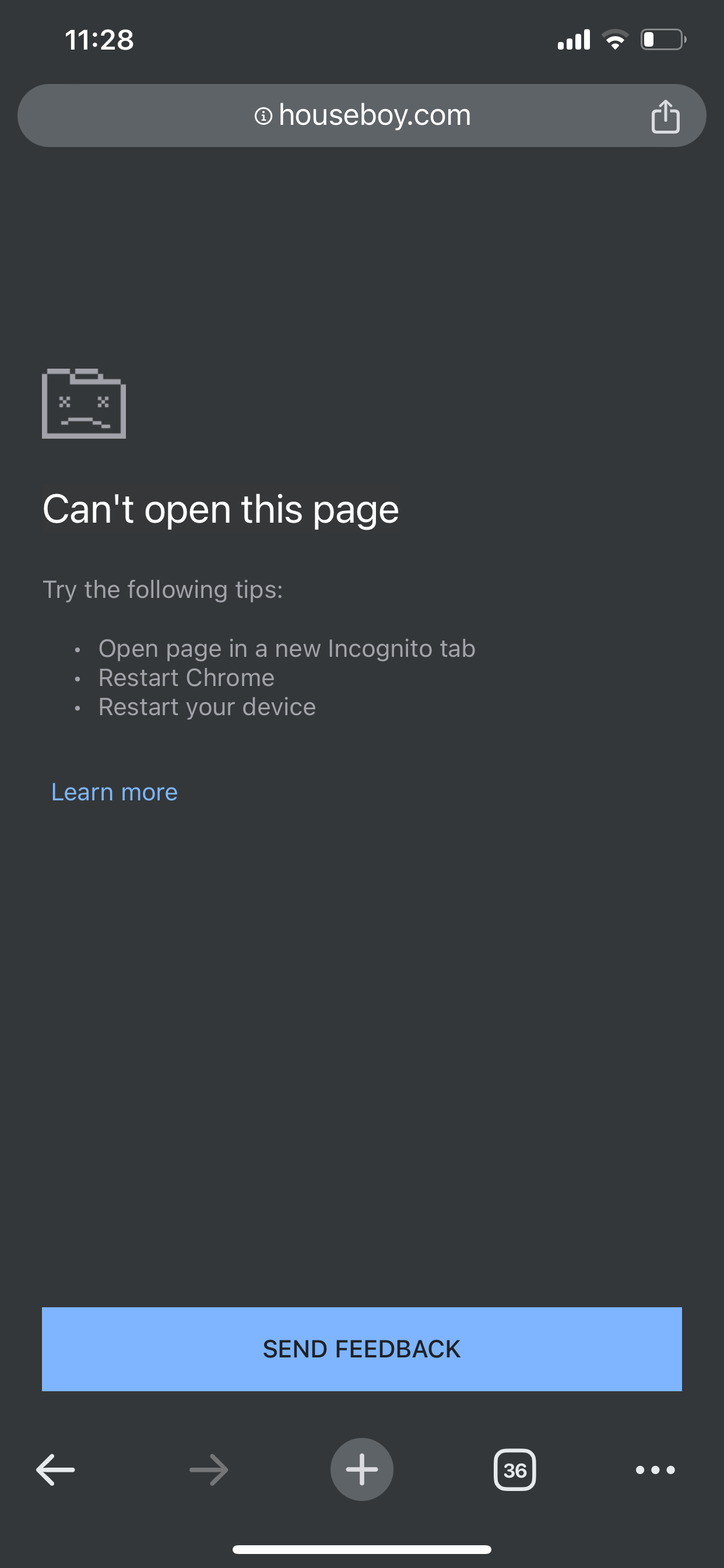
It doesn’t matter which browser I use. I can never load the page that shows who’s viewed my profile. Safari, Chrome, Firefox, doesn’t matter. What’s happening?
 1 point
 -
It loads with Safari but often takes a while. I find that if I search photos first for a few minutes, other functions like visitor profiles and messages work faster. Searching photos always comes up immediately. Searching for houseboys loads quickly. Viewing messages takes time to load and viewing profile visits takes a long time to load (like do something else and come back to see if it's loaded).1 point
-
It’s loaded for me plenty of times in the past just fine, not taking long at all and popping up almost immediately But at least a year ago now it stopped working for me. Now it doesn’t show, not even after an hour. It times out after 3 min or something. Just sad - I’m glad I stopped paying for the service every month1 point
-
It loads with my chrome browser but sometimes takes up to 10 minutes.1 point