HomeEconomics
Members
-
Joined
-
Last visited
-
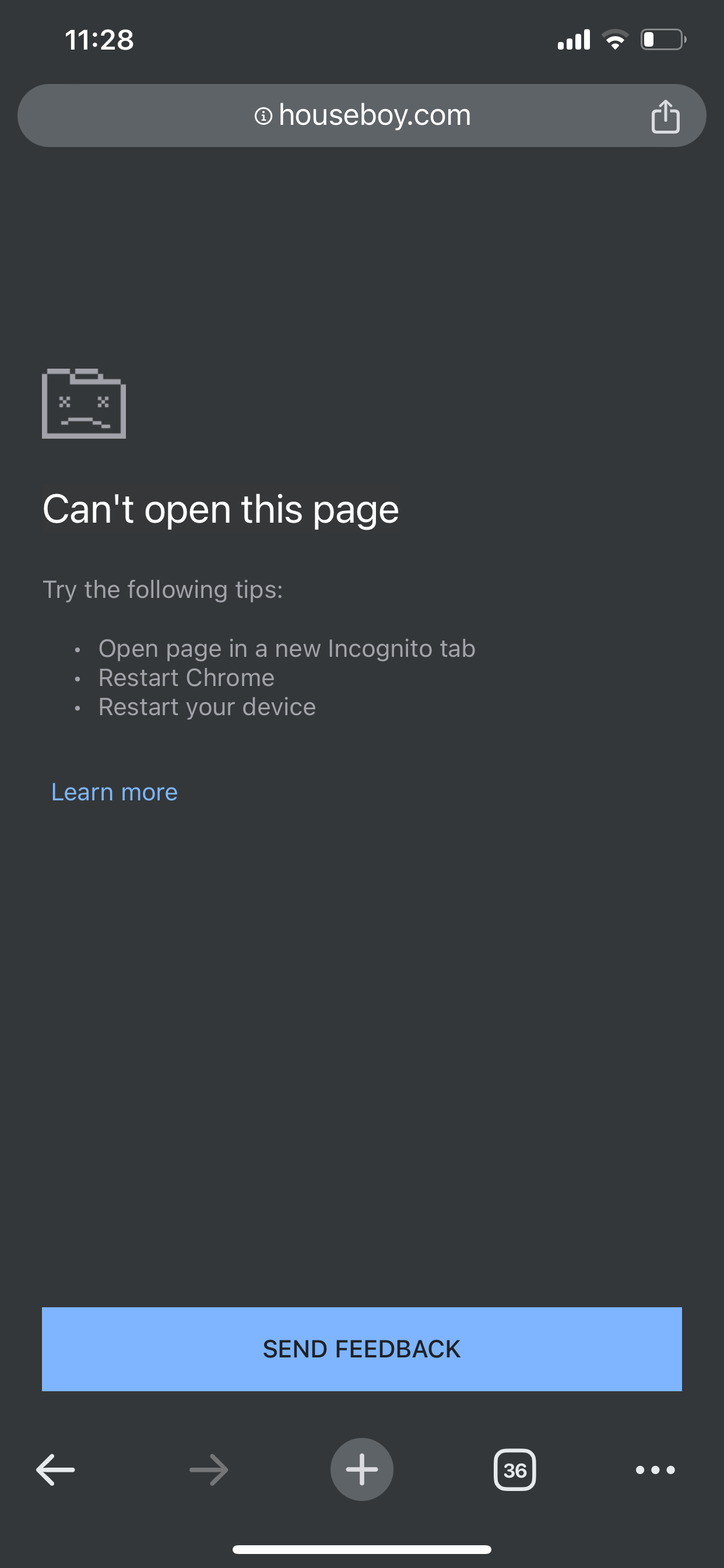
It’s loaded for me plenty of times in the past just fine, not taking long at all and popping up almost immediately But at least a year ago now it stopped working for me. Now it doesn’t show, not even after an hour. It times out after 3 min or something. Just sad - I’m glad I stopped paying for the service every month
-
It doesn’t matter which browser I use. I can never load the page that shows who’s viewed my profile. Safari, Chrome, Firefox, doesn’t matter. What’s happening?
-
Looking to relocate out of Florida. It’s becoming stuffy down here and I never liked the heat anyways. I come with 8+ years of experience, cooking, cleaning, renovations, travel booking, personal assisting… cleared a hoarders house before. Pretty well rounded and I come with lots of humor and kindness. Check out my profile. Would be great to hear from someone further north than I am now. My goal is to exchange that work for room, room/board, room/salary depending on how intense the work schedule would be. The intent for the exchange is to continue working on my own projects, to have the freedom to chase those dreams and turn them into reality. Ask me about my LGBTQIA non profit goals! Anyways, we should chat if you’re looking to add an responsible professional to your household. I come with references! Thanks!