
Skip to content
View in the app

A better way to browse. Learn more.

House Boy

A full-screen app on your home screen with push notifications, badges and more.

To install this app on iOS and iPadOS
  1. Tap the Share icon in Safari
  2. Scroll the menu and tap Add to Home Screen.
  3. Tap Add in the top-right corner.
To install this app on Android
  1. Tap the 3-dot menu (⋮) in the top-right corner of the browser.
  2. Tap Add to Home screen or Install app.
  3. Confirm by tapping Install.

RealKerry

Members
  • Joined

  • Last visited

  1. RealKerry posted a topic in Houseboy
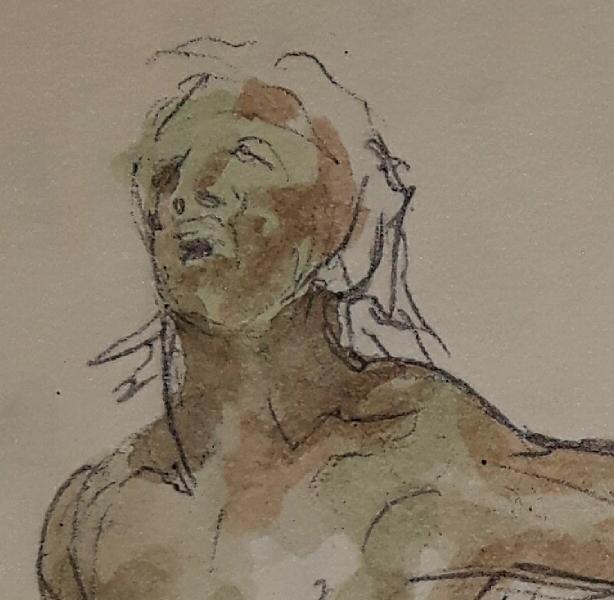
    Hey guys, Artist painter here with a nudist property, rather large. Seriously need a personal assistant. Go to guy. Paint brush cleaner. Wardrobe keeper. Forever naked jewel on the property. I need a good communicator, in english and french. I need an ambitious, eager creative type for independant projects. I delegate well. I am not an owner or a tyrant. I've been told that I am kind. I need you to be much more than the normal, yes. But the rewards for the right candidate can be great. I won't promise the Moon until you have earned it. Write me if this intrigues you, but this is not exclusively about sex. It's better. I live a rural life but the city is not far and you will be free. No jealousy. No ownership. Just mutual friendly respect. No raised voices or flaring tempers. I am a calm adult. For real, Kerry
Account

Navigation

Search

Search

Configure browser push notifications

Chrome (Android)
  1. Tap the lock icon next to the address bar.
  2. Tap Permissions → Notifications.
  3. Adjust your preference.
Chrome (Desktop)
  1. Click the padlock icon in the address bar.
  2. Select Site settings.
  3. Find Notifications and adjust your preference.