
Skip to content
View in the app

A better way to browse. Learn more.

House Boy

A full-screen app on your home screen with push notifications, badges and more.

To install this app on iOS and iPadOS
  1. Tap the Share icon in Safari
  2. Scroll the menu and tap Add to Home Screen.
  3. Tap Add in the top-right corner.
To install this app on Android
  1. Tap the 3-dot menu (⋮) in the top-right corner of the browser.
  2. Tap Add to Home screen or Install app.
  3. Confirm by tapping Install.

SirGwain

Members
  • Joined

  • Last visited

About Me

My new account: JMcoy (couldn’t get my old one back)
 

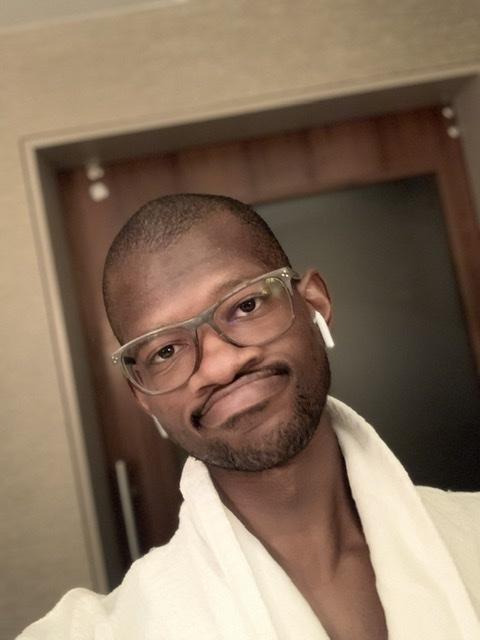
In in my early 20’s who likes the outdoors, learning languages «salut, tout les monde!», and learning in general! In working on being a therapist and a game designer. I’m looking for someone to be my Batman, a mentor in life, in exchange for being their Robin, a protégé who helps with chores and a companion for company.

D24BC4CD-52F2-4F4B-9E09-765AD3E0AB0E.jpeg

FBDC0B02-32C1-4699-A5C1-8EA166AE202D.jpeg

776CC7B3-DE7C-4C5C-A87E-DB091048B72B.jpeg

45BE6344-1168-47DD-A04E-D6CEA96FA0BC.jpeg

D20573B7-BF2D-454D-8EBE-3EE8C365410B.jpeg

EF353983-0985-43F8-B16D-39B9A0D15BEE.jpeg

Account

Navigation

Search

Search

Configure browser push notifications

Chrome (Android)
  1. Tap the lock icon next to the address bar.
  2. Tap Permissions → Notifications.
  3. Adjust your preference.
Chrome (Desktop)
  1. Click the padlock icon in the address bar.
  2. Select Site settings.
  3. Find Notifications and adjust your preference.