
Skip to content
View in the app

A better way to browse. Learn more.

House Boy

A full-screen app on your home screen with push notifications, badges and more.

To install this app on iOS and iPadOS
  1. Tap the Share icon in Safari
  2. Scroll the menu and tap Add to Home Screen.
  3. Tap Add in the top-right corner.
To install this app on Android
  1. Tap the 3-dot menu (⋮) in the top-right corner of the browser.
  2. Tap Add to Home screen or Install app.
  3. Confirm by tapping Install.

TronicJon

Members
  • Joined

  • Last visited

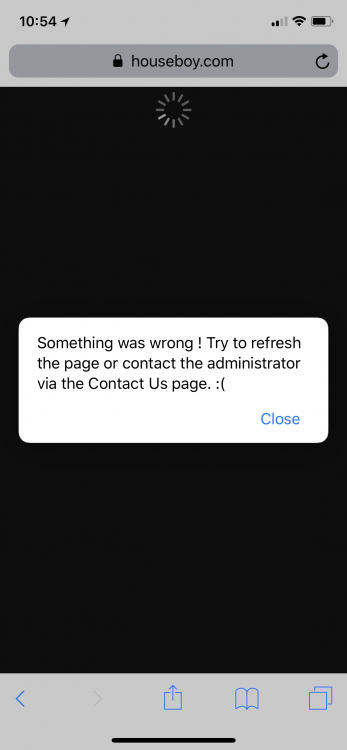
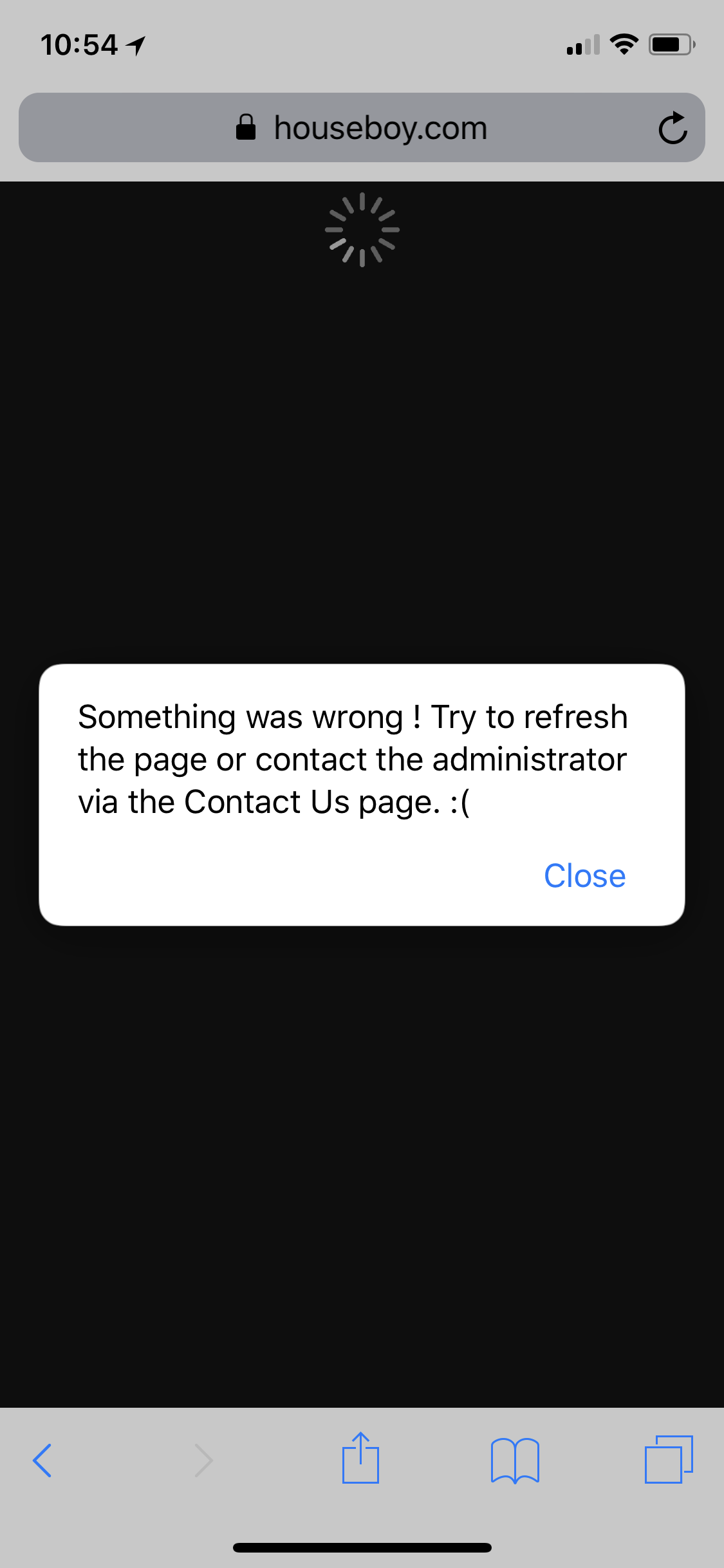
  1. 2 bugs 1) I’m not able to click the profile name hyper link to view the member that sent me a message. (See attached screen shot of error message that pops up) 2) I’m not able to add new photos Over the past couple weeks I’ve tried uploading a few new photos every several days. New uploads initially immediately appear as a thumbnail next to the approved photos but once I navigate away or check the next day the new photos are gone as if I never uploaded anything
Account

Navigation

Search

Search

Configure browser push notifications

Chrome (Android)
  1. Tap the lock icon next to the address bar.
  2. Tap Permissions → Notifications.
  3. Adjust your preference.
Chrome (Desktop)
  1. Click the padlock icon in the address bar.
  2. Select Site settings.
  3. Find Notifications and adjust your preference.